
● Now on the App Store & Google Play
On-device AI pose detection counts every clean rep from your phone camera. iPhone, Android and web.
Free · No sign-up to start · or use the web app
01 · Anywhere
Prop your phone, drop into plank. Half-reps don't count.
02 · Crew
Private leaderboards with one invite code. Settle it with real numbers.
03 · Leaderboard
Every rep camera-verified and depth-checked. Climb the global board.
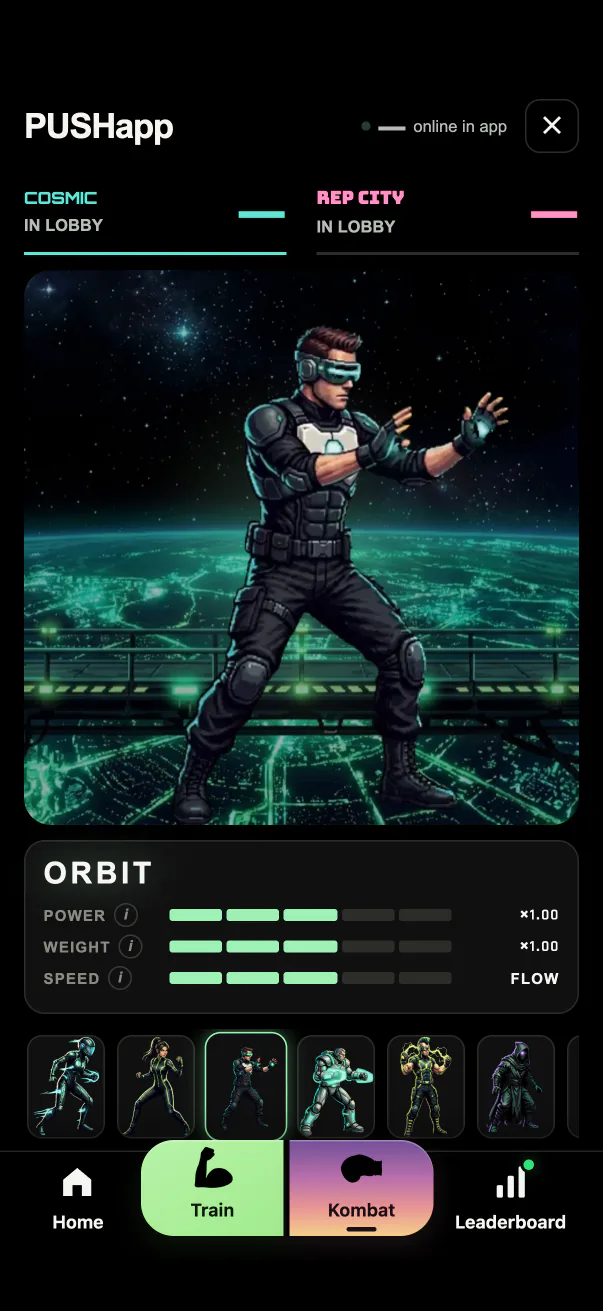
04 · Kombat
PUSH KOMBAT: live 1v1 duels, camera to camera. Clean reps land the hits.


Inside the app
Real screens from the app, not mockups.
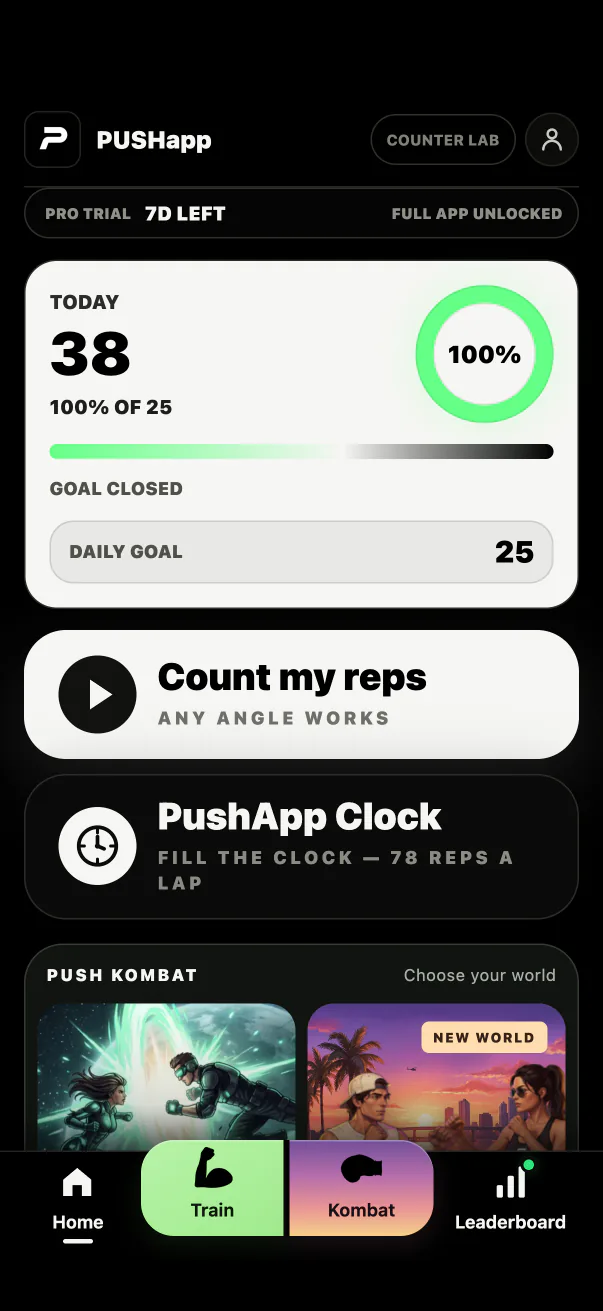
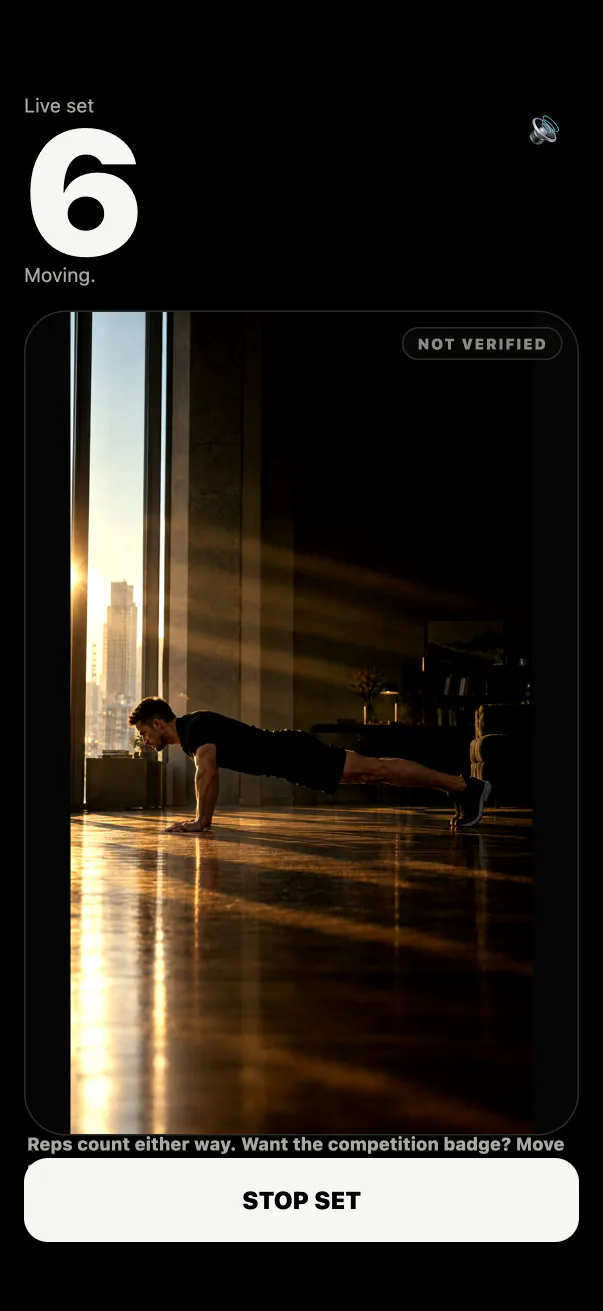
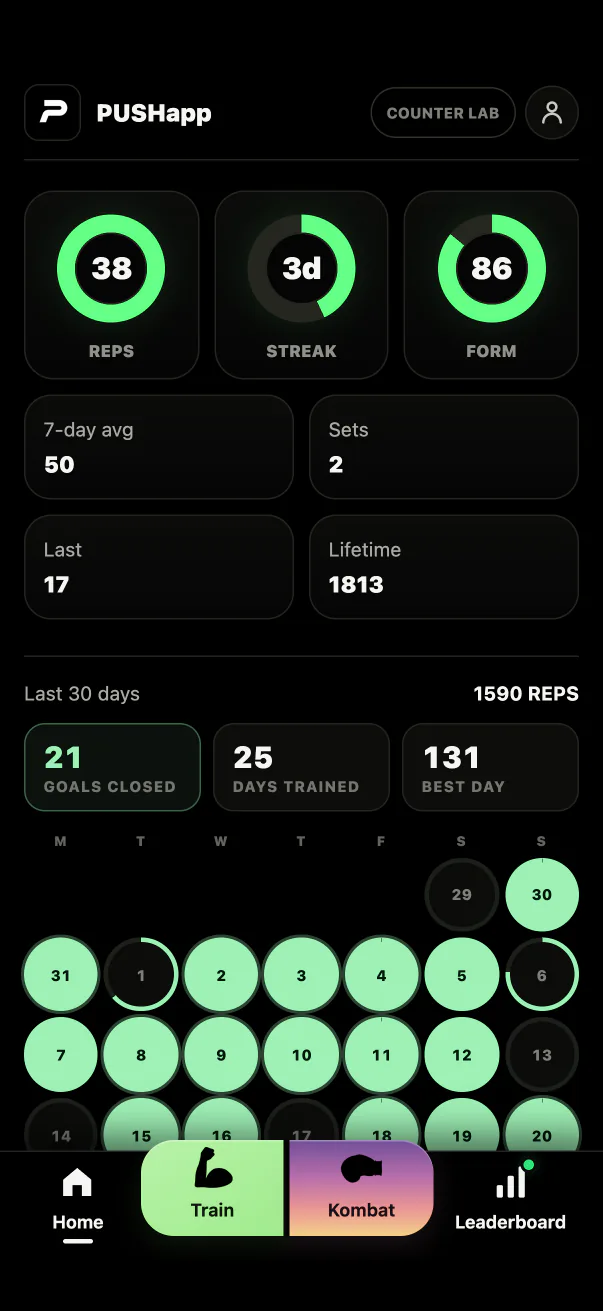
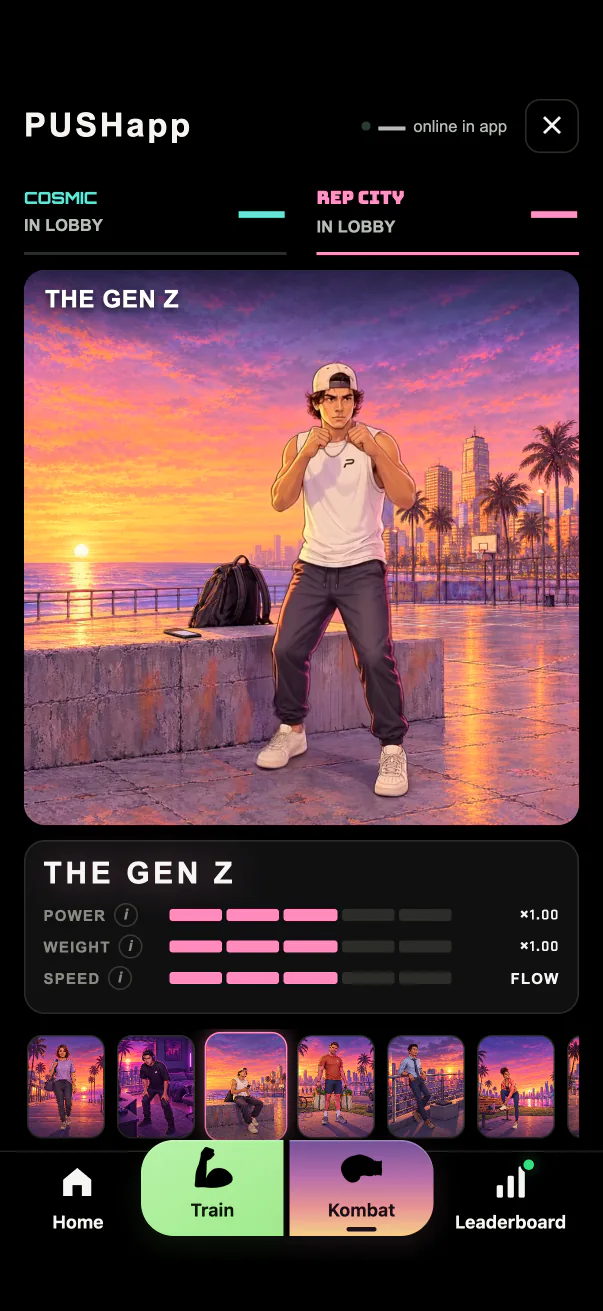
How it works

Prop it at any angle that sees your hands, shoulders and hips in plank. Feet don't need to be in frame. PUSH checks the plank line before it starts.
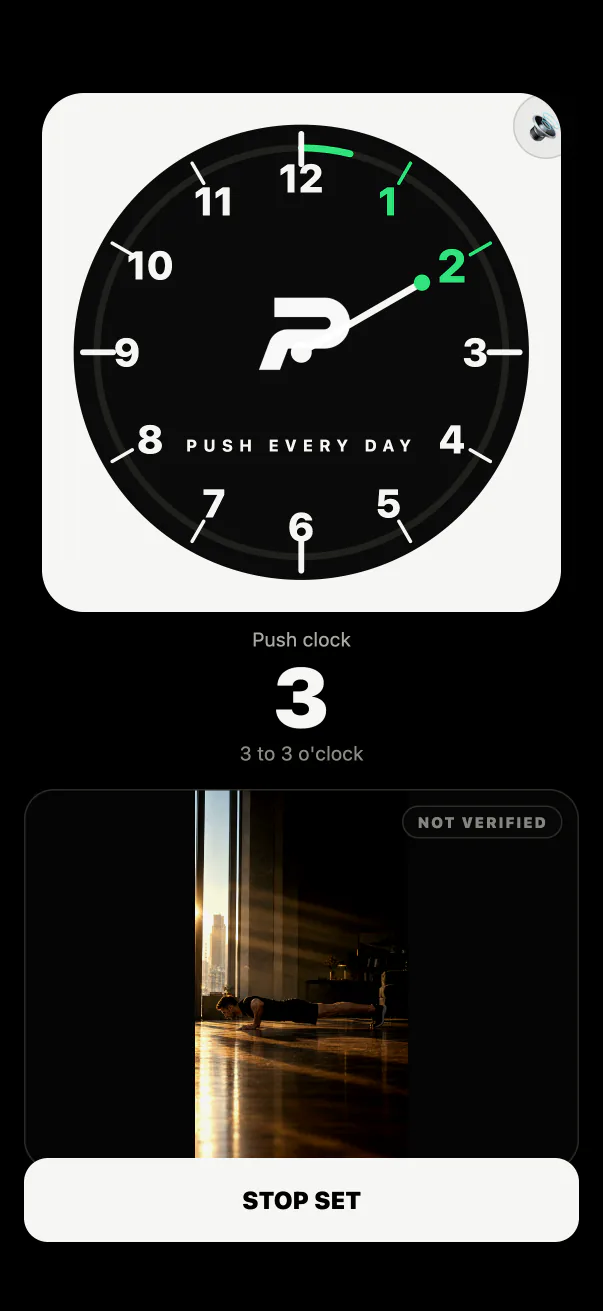
A short countdown, then go. On-device pose detection reads your elbow angle and counts only the reps that hit depth. The dots on this clip are the actual model output, frame by frame.

Get your set summary, a share card and a clean 1080×1920 video with the rep counter baked in. Post it. Keep the streak alive.
What you get
Everything points at one thing: numbers you trust, and proof you'll actually post.
Fight with your push-ups. Pick a fighter, go 1v1 camera to camera, and let clean reps land the hits.
78 reps a lap. Every clean rep moves the hand, so the whole set turns into a race against yesterday.
Pose detection runs on your device. Nothing is uploaded just to count your reps.
Daily goals, ranks and records that make showing up worth it.
Spin up a board, share an invite code, settle it with your friends.
Just your phone camera. Nothing to buy, nothing to charge.
FAQ
No. Counting happens on your device — nothing is uploaded just to count. Video only leaves your phone if you choose to render a shareable clip while signed in, or when you and your opponent both turn on split screen in a PUSH KOMBAT duel — then your camera streams live to them and can appear in their fight video.
No. You can count, track and see your stats locally without signing up. Create an account later only if you want to sync across devices and join leaderboards.
Any angle that shows your hands, shoulders and hip line in plank works — feet do not need to be in frame. PUSH checks the plank line before it starts counting.
Yes. The counter, tracking and share cards are free. Download PUSH on the App Store, or use the web fallback in a compatible browser.
Most apps make you tap a button or balance your phone on the floor and nudge a proximity sensor. PUSH uses AI pose detection to watch your full body with the camera and count real reps — checking depth so half-reps don't count. We break down how it stacks up in our guide to the best push-up counter apps.
